
How to Search Sarasota County Court Records
The main court-record search system is ClerkNet, run by the Sarasota Clerk of the Circuit Court and County Comptroller. The ClerkNet login page gives the public two ways in. The first is immediate anonymous access. The second is a registered login for users who qualify for greater access under Florida court orders. Most people just need anonymous access. It is free, and it is the right starting point to look up Sarasota County court records online.
Before you start, gather what you know. A case number is the cleanest way to find a file. If you do not have one, a party name or a citation number can work. ClerkNet covers circuit civil, county civil, felony, misdemeanor, criminal traffic, family, probate, and traffic cases. The system shows dockets and case status where the record is public. Some document images stay restricted by case type.
- Open ClerkNet and read the access notice about sealed, expunged, and confidential records.
- Select "Click Here For General Public User Access" to enter the anonymous search.
- Pick your query path: case number if known, party name if not, or a citation number for traffic and criminal matters.
- Review the result rows for case number, party names, filing date, division, and status.
- Open a result to view the case-detail page, the docket history, hearing dates, and any documents you may view.
- For a certified copy, use the ClerkNet certification workflow or email clerknet@sarasotaclerkandcomptroller.com.
Sarasota County Court Records Search Fields
The ClerkNet search screen mixes access controls with case-lookup fields. Knowing each one saves time. A case-number search is exact and avoids false hits from common names. A name search casts a wider net, so a last name or entity name plus a first name narrows it down. Date ranges and division filters trim long result lists. The table below lists the fields the public sees on the anonymous court records search and what each does.
Take a moment with the access notice before you search. It explains why some images do not appear even when the docket is public. Family, juvenile, and probate images are limited for general public users.
| Field Label | Type | Required | Notes / Format |
|---|---|---|---|
| General Public User Access | Link | No | Anonymous search path; best for ordinary public case lookups. |
| Email Address | Text | For registered login | Registered access only. |
| Password | Password | For registered login | Registered access only. |
| New User Registration | Link | No | Used to request higher access. |
| Case Number | Text | Optional | Use the full case number when known; formats include year, division, and sequence. |
| Party / Name | Text | Optional | Use last name or entity name; a first name narrows person searches. |
| Date Range | Date | Optional | Use filing or event dates when known. |
| Court Division / Case Type | Dropdown | Optional | Civil, criminal, family, probate, or traffic. |
| Search | Button | Yes | Runs the selected search. |
Types of Sarasota County Court Records
Court records in Sarasota County fall into a few broad case groups. Each group is tied to a court division and a body of Florida law. Felony cases sit in circuit court. Misdemeanors and criminal traffic sit in county court. Civil disputes split between circuit civil and county civil based on the dollar amount. Family, probate, and juvenile matters run through circuit divisions with their own rules.
The kind of case shapes how much you can see. Civil and most criminal dockets are broadly public. Family, probate, and juvenile files carry tighter limits on document images. The list below sums up the main record types you will meet in a Sarasota County court records search.
- Civil records: complaints, answers, motions, orders, judgments, and small claims or eviction filings.
- Criminal records: charging documents, warrants and capias entries, plea and sentencing papers, bond info, and disposition.
- Family records: dissolution, paternity, child support, parenting plans, and injunctions for protection.
- Probate records: estates, wills, guardianships, trusts, and incapacity matters.
- Traffic records: citations, violations, court dates, pleas, fines, and school or compliance elections.
What Sarasota County Court Records Show
Open a public case in ClerkNet and you see a structured record. The header gives the case number, division, type, filing date, and status. Below that sit the parties, any attorneys of record, and the assigned judge or magistrate. The docket lists each filing and event in date order. Criminal and traffic cases also show fines, costs, and bond. A user can review the official ClerkNet anonymous access page before opening a file to know what to expect.
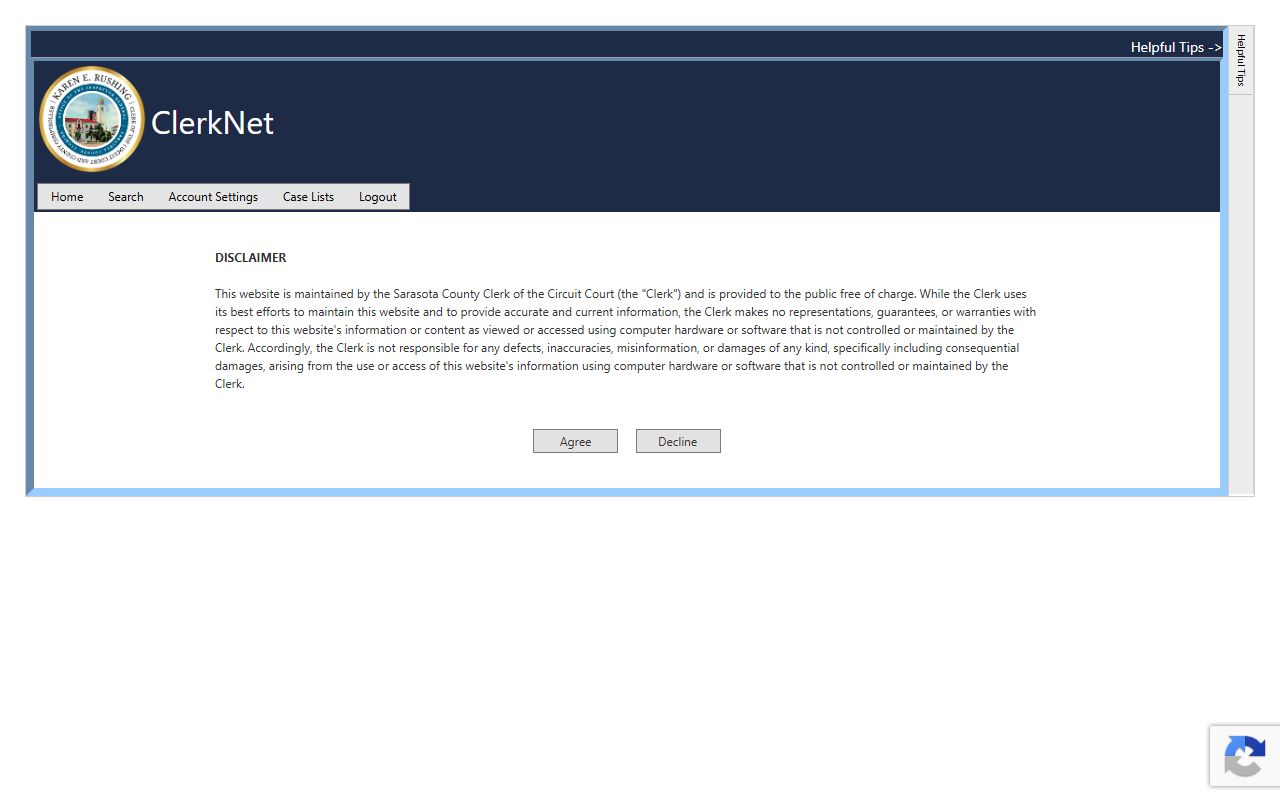
The anonymous landing page is where most public court records searches begin. From there the search screen returns the fields shown below for each case.
| Field | What It Shows |
|---|---|
| Case Number | The unique court ID, with year, division code, and sequence number. |
| Court Division | Civil, criminal, family, probate, traffic, or juvenile. |
| Case Type | Dissolution, felony, misdemeanor, eviction, small claim, estate, and more. |
| Filing Date | The date the case opened. |
| Parties | Plaintiff, defendant, petitioner, respondent, or the State. |
| Judge | The assigned judicial officer when public. |
| Docket Entries | Filings, motions, orders, hearings, pleas, and disposition. |
| Disposition | The final outcome of the case or charge. |
| Financials | Fines, fees, costs, restitution, bond, and judgment amounts. |
Public Access Rules for Sarasota County Court Records
Florida starts from open access. Chapter 119, the Florida Public Records Act, gives the public a right to inspect and copy records unless a clear exemption applies. Court records also follow Florida court rules, mainly Rule 2.420, and statutes on remote electronic access. So Sarasota County court records are public in many categories. They are not all open. The right to see a record depends on the case type and the document. Read Florida Statutes Chapter 119 for the framework, and Florida Statutes § 119.07 for the inspection and copying rules.
Remote access has its own statute. Under Florida Statutes § 28.2221, subsection (5)(a) limits remote images in family, juvenile, and probate cases for general public users. That means you may see a docket online but not every image. The Clerk can charge actual duplication costs, and a special service charge may apply when staff time is large. The Sarasota Clerk publishes the current fee schedule at sarasotaclerk.com.
Note: A case can be public while a document image is not; that gap between "case exists" and "image unavailable" is a common point of confusion.
Records That Are Sealed or Confidential in Sarasota County
Some Sarasota County court records are closed to the general public. Sealed records require party status, authorized user status, or a later court order. Expunged criminal records are removed from ordinary public access under Florida Statutes § 943.0585, and sealing follows Florida Statutes § 943.059. Juvenile, dependency, adoption, mental-health, and substance-abuse files are restricted by their own statutes. Social Security numbers, protected addresses, and financial account numbers are redacted under court privacy rules.
To view a sealed or confidential record, the path runs through the court, not the search portal. An affected person or party may move under Rule 2.420 to gain access or to contest a sealing decision. Sealing and expunction are statutory remedies with eligibility steps, an FDLE certificate where required, a filed petition, agency service, and sometimes a hearing. If granted, the Clerk and law-enforcement agencies process the order and restrict public access.
Court Records vs Official Records in Sarasota County
People mix up two different systems. ClerkNet holds court-case files and dockets. Official Records holds recorded instruments such as deeds, mortgages, liens, plats, and many marriage records. They are not the same database. If you want a divorce file, a criminal case, a civil suit, or a probate docket, use ClerkNet. If you want a deed, a recorded judgment lien, or a recorded marriage instrument, use the Official Records page. The Official Records search portal is separate from the court search.
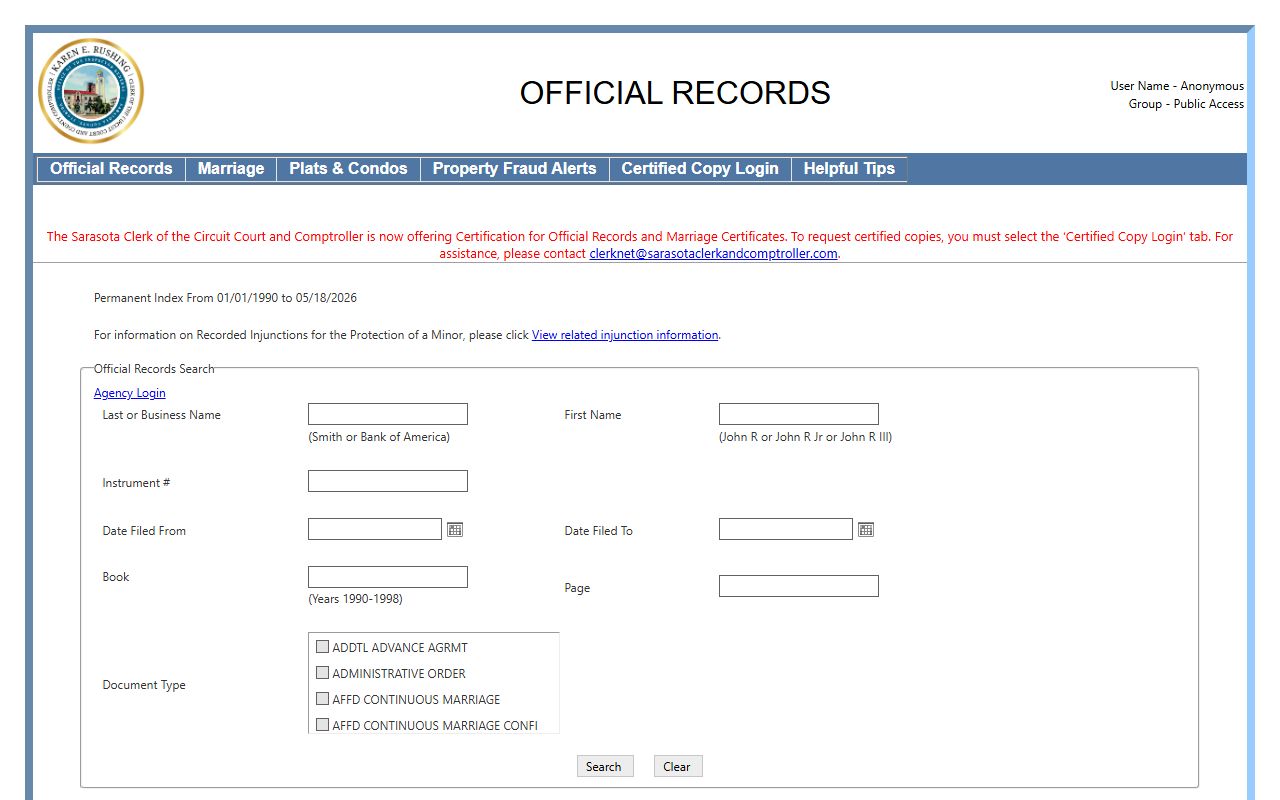
The Official Records page handles recorded land and marriage instruments, while court dockets stay in ClerkNet. Picking the right portal at the start is the single biggest time-saver in any Sarasota County court records search.
In-Person and Older Court Record Requests
Not every Sarasota County court record sits online. Older paper files and non-imaged documents may need a call or a visit to the Clerk's records and court-service counters. The main Clerk office is at the historic courthouse on Main Street in downtown Sarasota. South-county residents can use the Venice office for many records services. Bring the case number if you have it, and a photo ID for certain requests.
Sarasota Clerk of the Circuit Court and County Comptroller
2000 Main Street
Sarasota, FL 34237
941-861-7400
See current Clerk hours and office locations
For e-filed cases, the statewide Florida Courts e-filing portal is the channel registered filers use to submit documents. Public viewing of those filings still runs through the Clerk and court systems, not the filing portal.
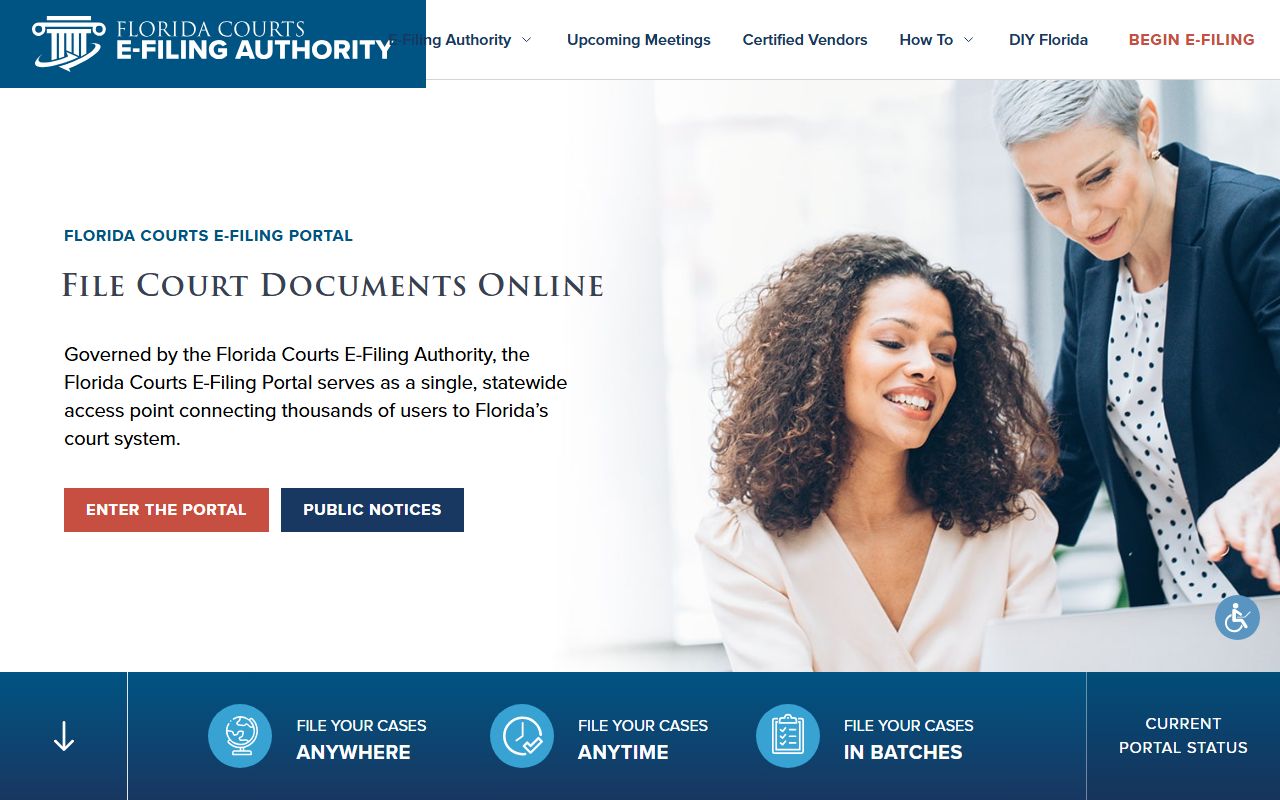
The e-filing portal supports registered filers across Florida, including the Twelfth Judicial Circuit. After a document is filed, it joins the case docket that the public searches in ClerkNet.